Intercom Article Inserter and Telegram
Docs · Article Inserter
Last updated May 10, 2026
Status as of May 10, 2026:
Interchat cannot fully support Article Inserter messages yet because Intercom does not expose the inserted article details through its webhook payloads or conversation API.
Please upvote the feature request: https://community.intercom.com/ideas/add-link-to-article-in-webhook-event-when-using-article-inserter-7783
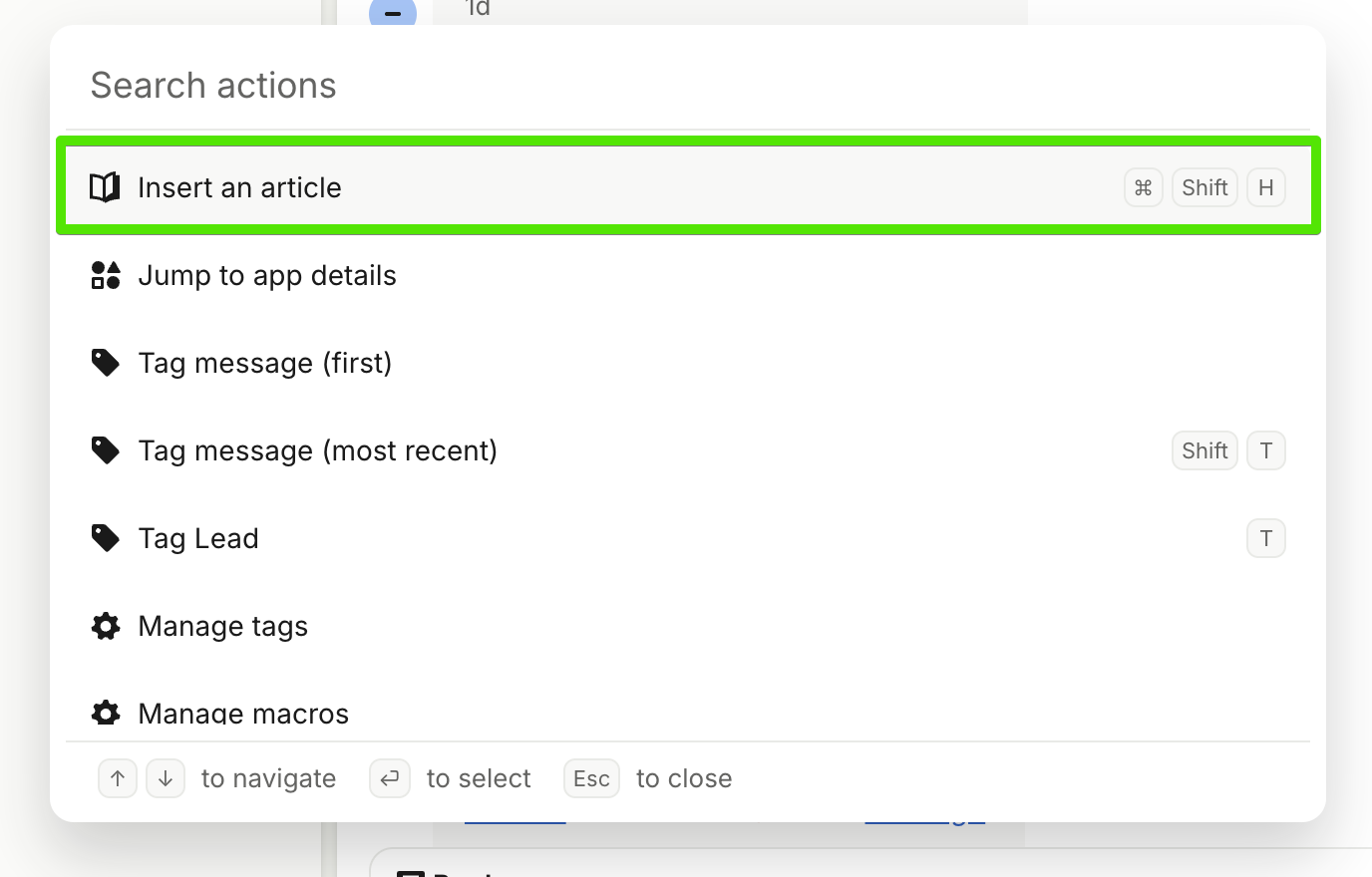
Article Inserter shares links to documentation without leaving the conversation composer.
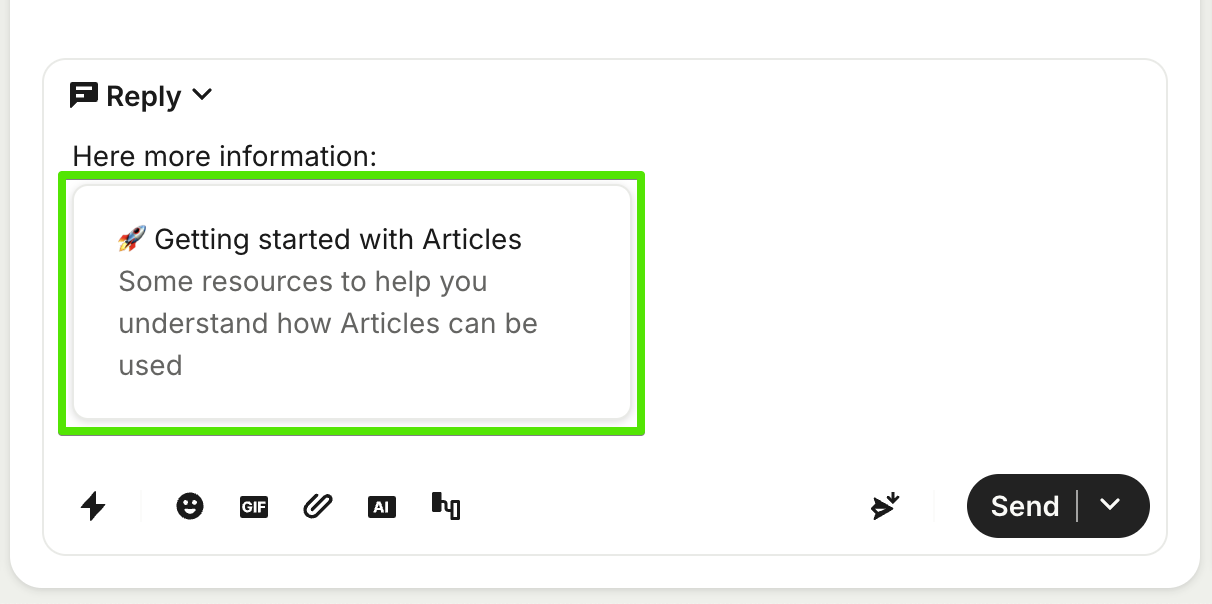
When message with Article is send, Interchat receives only following context over webhook:
{
"type": "conversation_part",
"id": "12345678901",
"part_type": "comment",
"body": "Here is more information:
\n[App: Article Inserter]
"
}
The inserted article details are also not available through the Retrieve a conversation REST API endpoint:
{
"type": "conversation_part",
"id": "12345678901",
"part_type": "comment",
"body": "Here is more information:
\n[App: Article Inserter]
",
}
In result, Interchat can't forward the article to Telegram. It can only forward the visible text and the placeholder returned by Intercom.
Until Intercom exposes the article title, URL, or ID in webhooks or the conversation API, the best workaround is to paste the article link directly into the Intercom reply.