Intercom and Telegram Bot Keyboards
Docs · How to set up Quick Reply buttons for Telegram
Telegram bot keyboards let you offer suggested actions by showing users custom buttons in messages. This is often more intuitive than asking users to enter plain text.
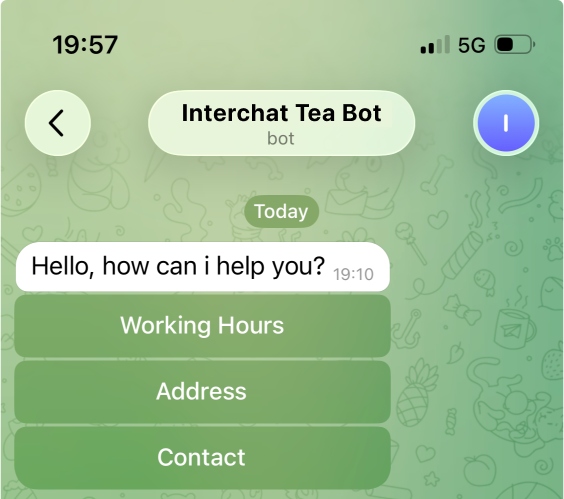
In Intercom, similar buttons are called Quick Replies. They are often used in workflows for automation.
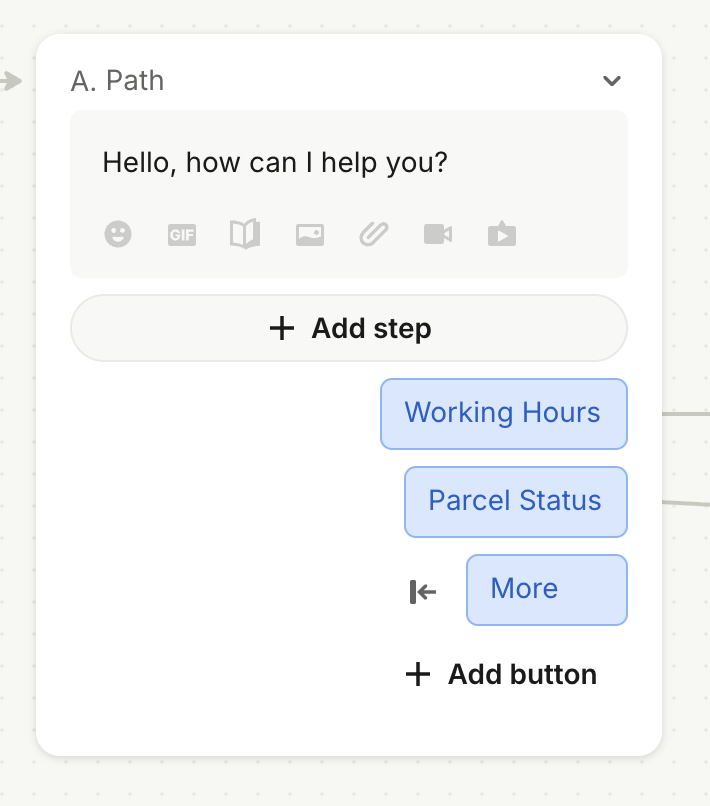
As an alternative to Quick Replies, you can use Markdown syntax together with Workflow branches.
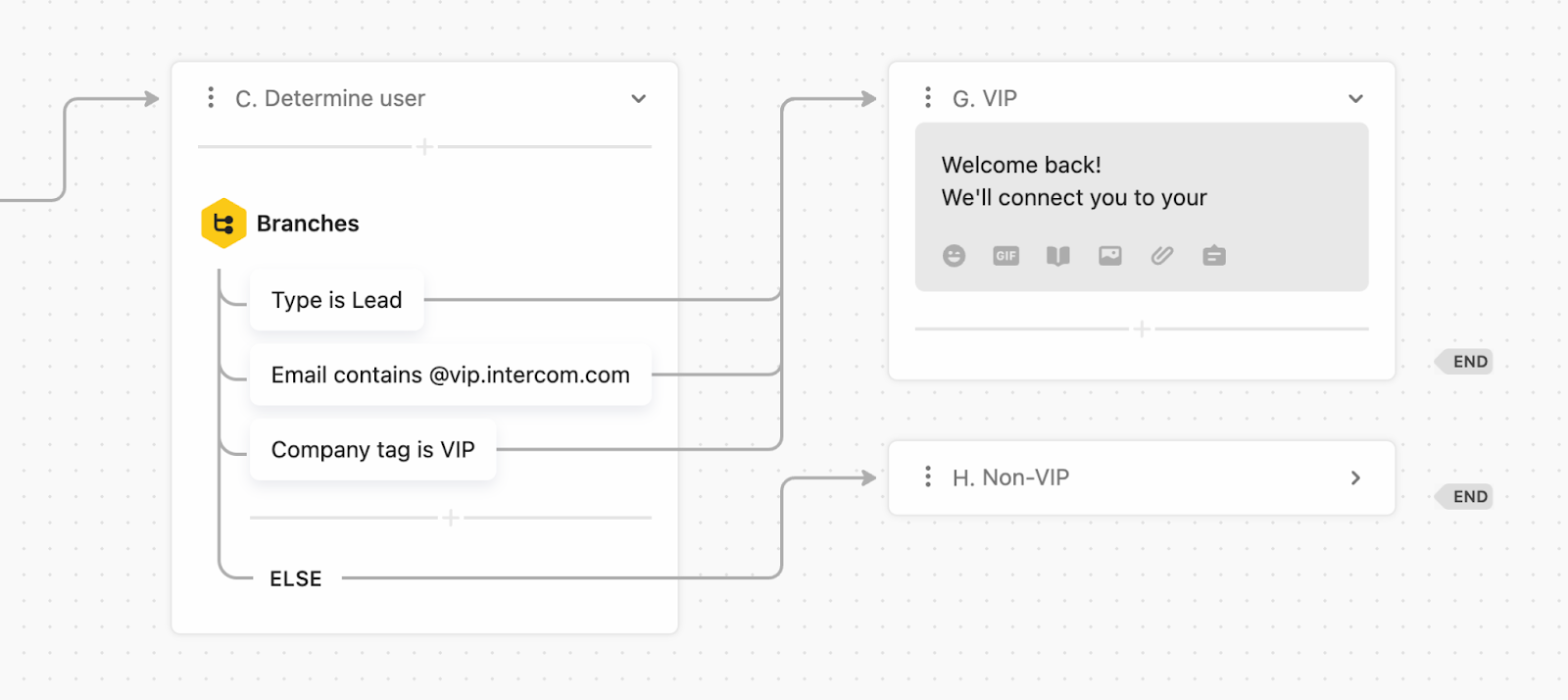
How to set it up
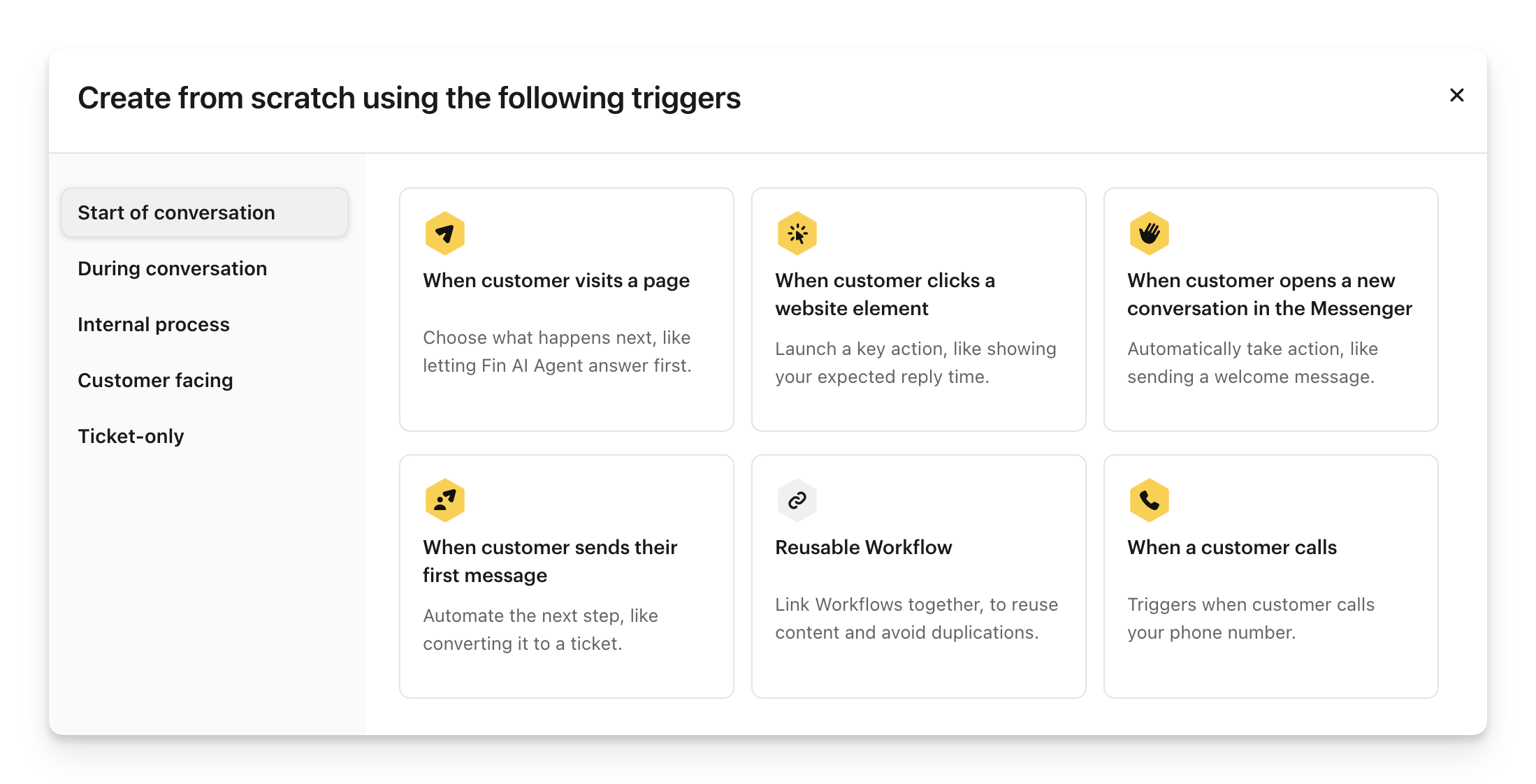
The easiest way to add Quick Replies to your Telegram conversations is with Intercom Workflows.
Then, you can manually trigger the workflow from the Intercom Inbox.
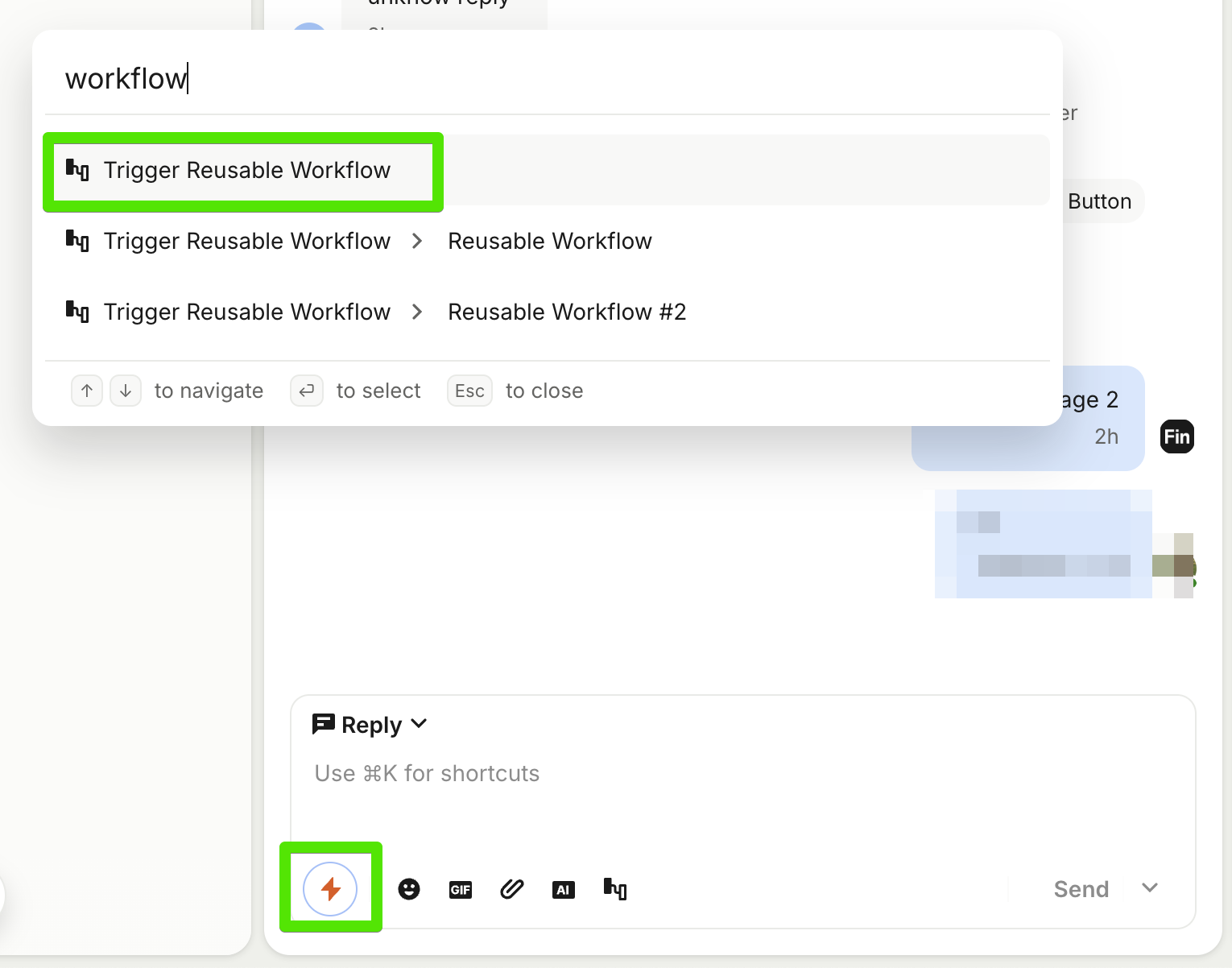
Depending on your needs, you can start the workflow when a customer first reaches out or from any other trigger. Read Intercom's article about workflow triggers.
Markdown syntax
Telegram supports a wide range of keyboard buttons, but not all of them are supported by Intercom. To give businesses access to more Telegram features, we added Markdown syntax for additional button types.
Markdown syntax supports:
Here are examples of different keyboard types (feel free to copy and send them through Intercom):
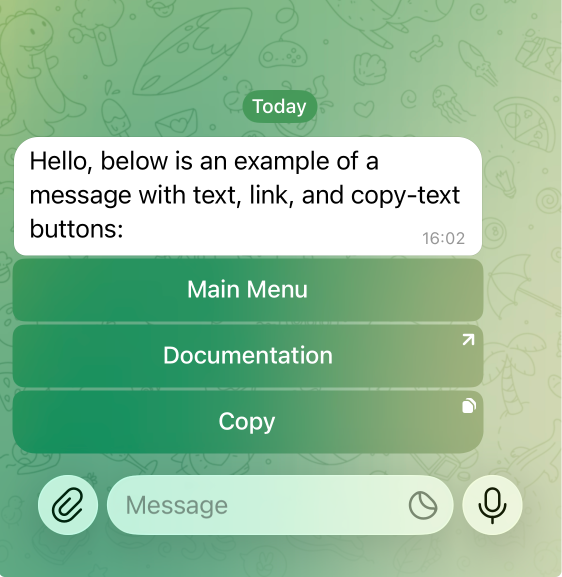
Inline Keyboard
An example of a message with text, link, and copy-text buttons.
On Telegram, the user will receive the following message:
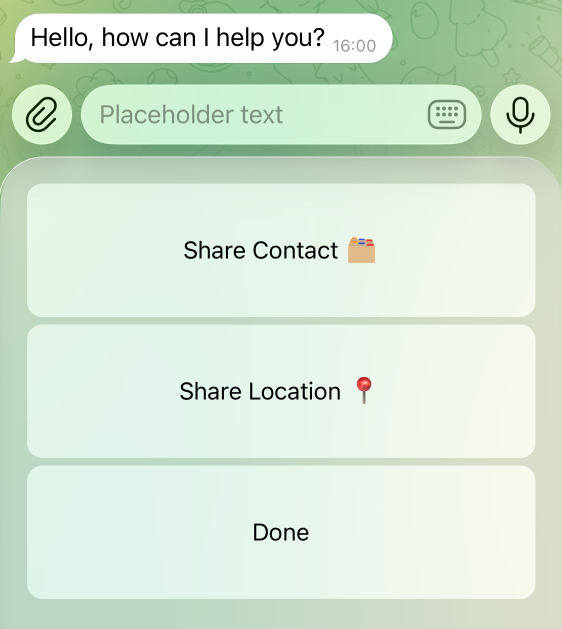
Reply Keyboard
An example of a message with text, copy-text, contact-sharing, and location-sharing buttons.
Hello, how can I help you?

ReplyKeyboard("Placeholder text", is_persistent, resize_keyboard, one_time_keyboard)
- ContactButton("Share Contact 🗂️") | LocationButton("Share Location 📍")
- TextButton("Done")
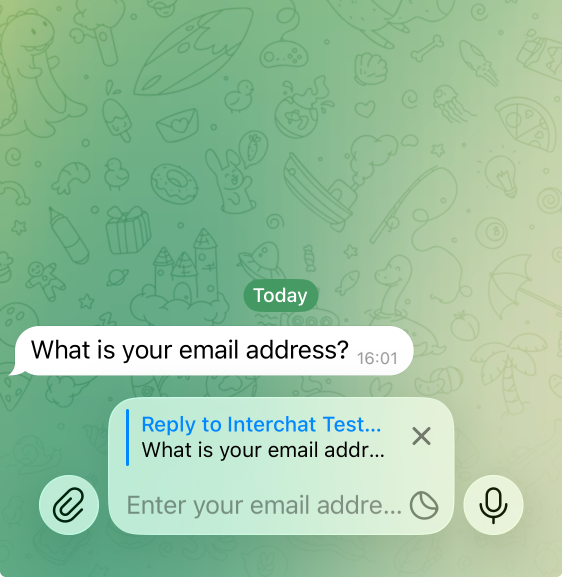
Force Reply
Displays the reply interface as if the user had tapped Reply on the bot's message.
What is your email address?

ForceReply("Enter your email address")
Remove Reply Keyboard
Removes the current keyboard and restores the default keyboard. Not supported in channels or messages sent on behalf of a business account.
Hello, the keyboard has been removed.

RemoveKeyboard()
If you experience any issues, please contact us at support@interchat.io.