Workflows and Telegram Chats
Docs · How to set up Intercom Workflows for Telegram
With Intercom Workflows, you can build powerful automations to manage Telegram conversations. To learn more about how workflows work, read Intercom's Workflows explained article.
When you create a new workflow, we recommend using Reusable Workflows. You can trigger Reusable Workflows at any time from the Inbox.
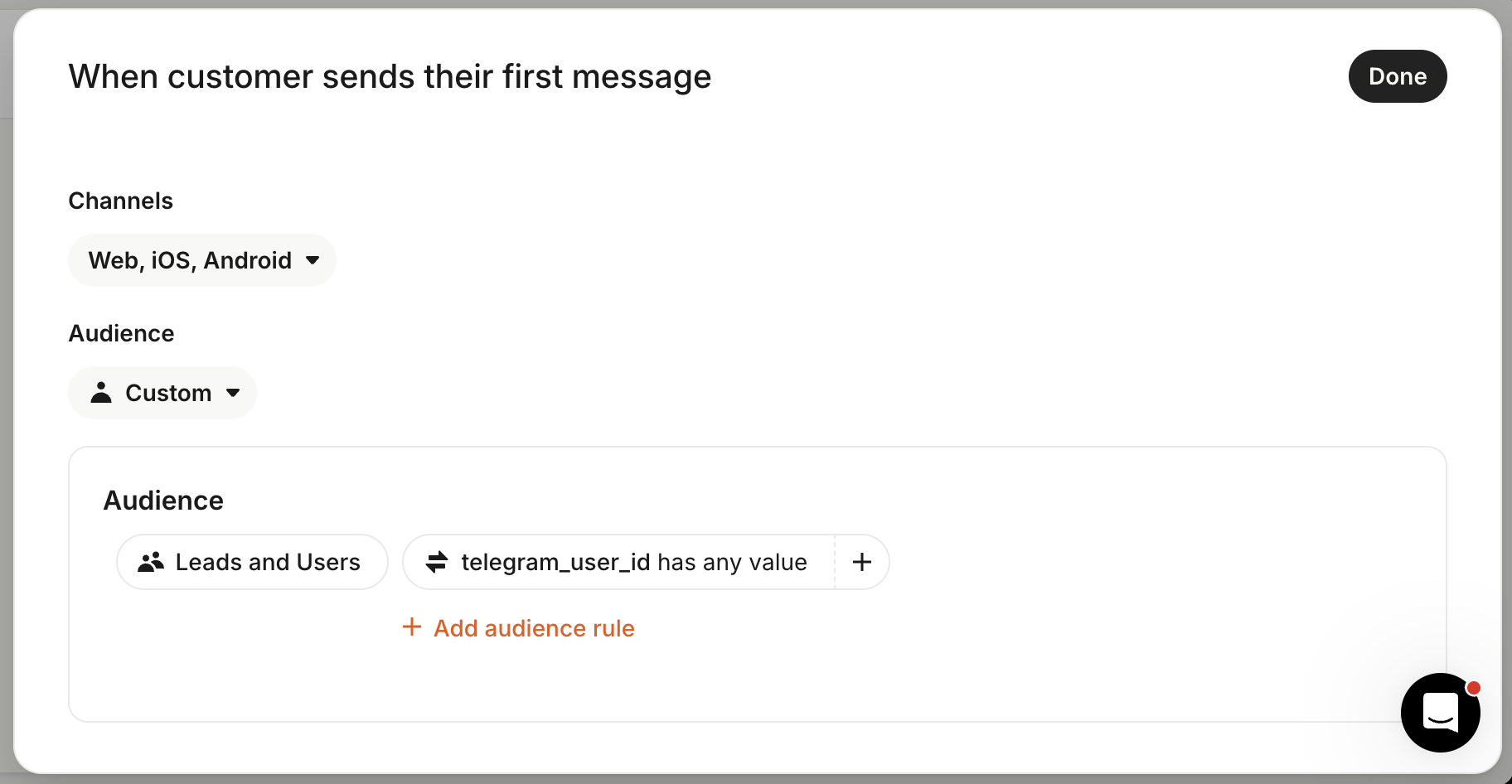
Intercom Omnichannel support does not include a Telegram app yet. To detect Telegram conversations, set a custom audience for users and leads that have any value in telegram_user_id:
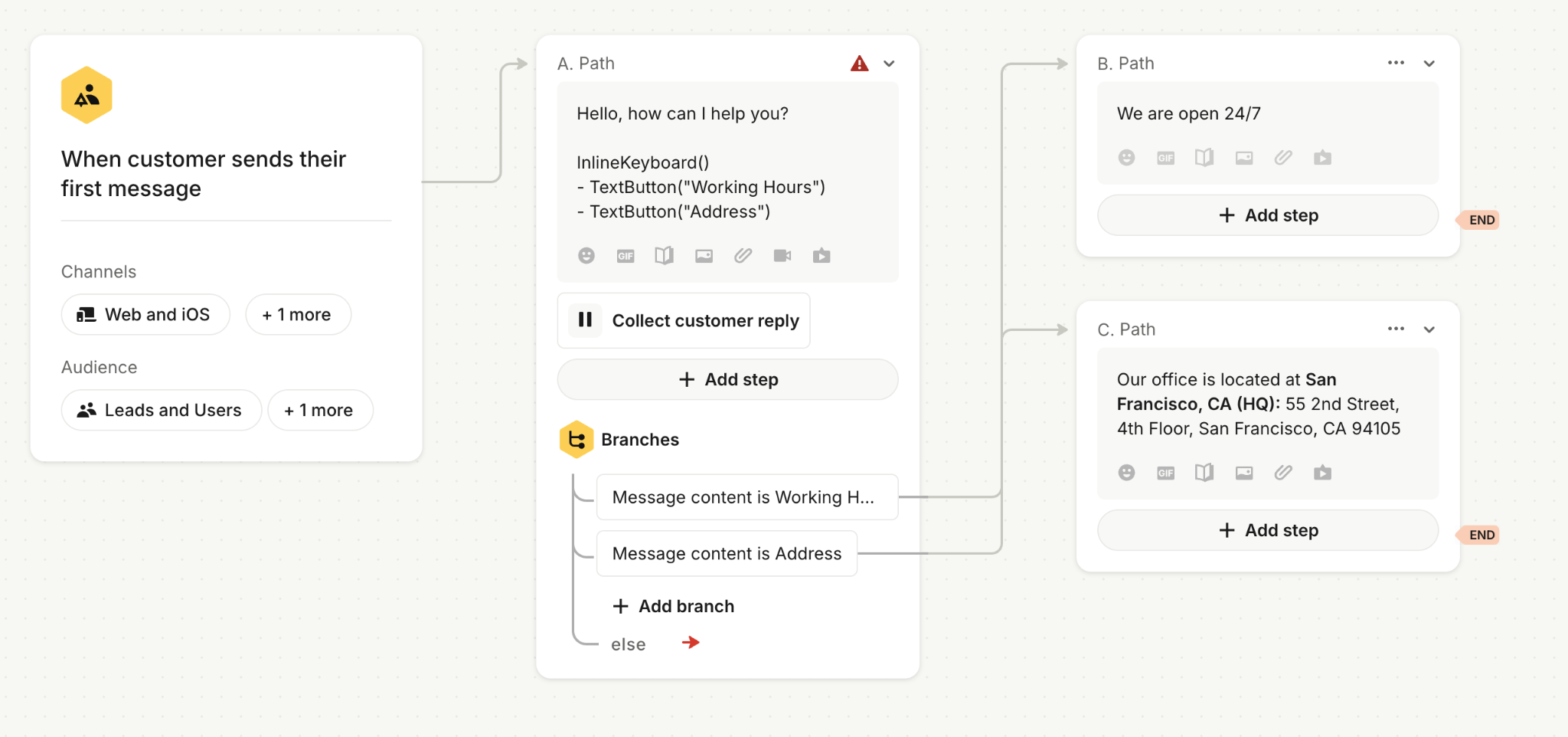
You can use Branches to route the conversation to the relevant path, depending on specific conditions.
You can also use Keyboard Markup to show quick reply buttons in the Telegram app: